Job Management
Run every job with the full picture
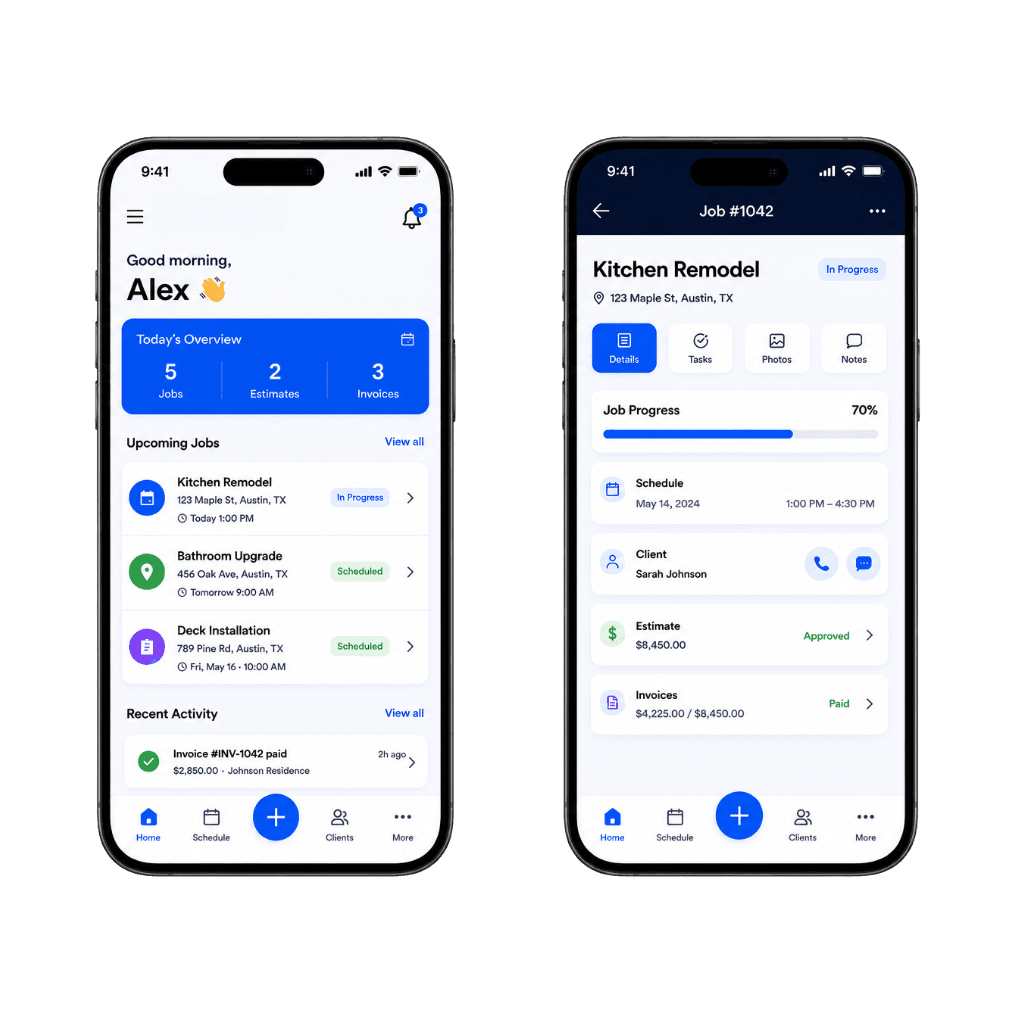
Ergova keeps job details, progress, notes, tasks, customer context, and next steps in one live system so your team can execute with more clarity and less friction.
- Keep every job in one place
- Track progress, notes, and next steps
- Reduce execution gaps across the team
- Built for modern service operations
Most job problems come from missing context, not missing effort
Crews show up ready to work—but the latest scope change is in a text, the permit PDF is in email, and the checklist nobody sees lives on a clipboard. Everyone is busy; the job still stalls.
When office and field reference different versions, tasks get repeated, billing waits on mystery notes, and customers hear conflicting answers. Execution breaks quietly, long before anyone labels it a “process problem.”
Missing Job Context
Nobody sees the full scope, constraints, and history on one record.
Scattered Notes
Updates live in calls, chats, and side inboxes—not on the work order.
Unclear Ownership
Once the job is live, it is unclear who drives the next internal step.
Broken Execution Flow
Tasks and attachments fall out of sequence; close-out and AR lag.
Manage every job in one place — with the full picture, from start to finish
- One live job record: scope, customer, tasks, files, and status together
- Clear progress and ownership from kickoff through completion and handoff
- Shared visibility for office and field—no parallel “truth” in text threads
- Fewer dropped details: notes and attachments stay attached to the job
- Stronger execution: next steps stay visible as work moves toward invoice-ready
How Job Management works
Centralize the record, track it live, and keep execution pointed at the next right step.
- Step 1
Centralize the job
Bring scope, notes, attachments, customer info, and tasks into one record.
- Step 2
Track live progress
Update status, activity, and job changes as the work unfolds.
- Step 3
Move the work forward
Give the team clear next steps from execution through completion.
What Job Management looks like in Ergova
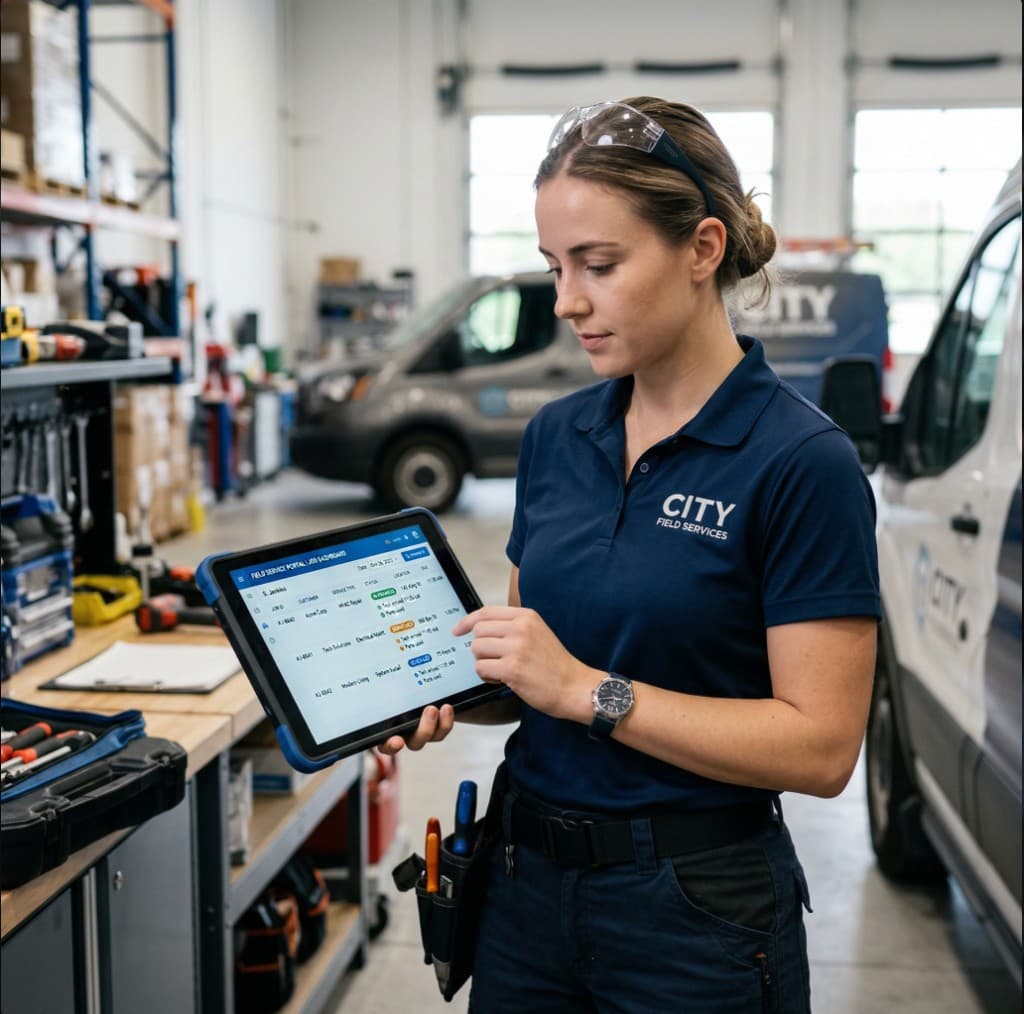
Active jobs with checklist progress and freshness, plus a full job file—customer, scope, tasks, files, timeline, and ownership in one surface.
Active jobs
Status · assignee · checklist · last update
| Customer / job | Service | Status | Technician | Checklist | Updated |
|---|---|---|---|---|---|
| Johnson Residence | Plumbing repair | In progress | Mike R. | 4/6 | 2 min ago |
| Oak Street Office | HVAC maintenance | Awaiting parts | Sarah J. | 2/5 | 18 min ago |
| Maria Lopez | Electrical upgrade | Scheduled | Luis M. | 0/4 | 1 hr ago |
| Westside Property | Follow-up visit | Completed | Mike R. | 5/5 | Yesterday |
Ergova helps your team manage the work — not just store it
A static work order is a filing cabinet. Ergova keeps jobs operational: what is blocked, what is missing, and what should happen next—before the day slips.
Missing Context Detection
Surface jobs where critical notes, attachments, or next steps are not logged.
Progress Risk Alerts
Catch work likely to stall before it backs up the route or billing queue.
Action Recommendations
Suggest the next operational step from stage, tasks, and team context.
Execution Visibility
See what changed, what is blocked, and who should act—without digging.
Execute with more clarity and less friction
When the job file is complete and live, teams spend less time reconciling and more time finishing.
Handoffs
Reduce job handoff errors
One record from field to office—fewer “what did they do?” loops.
Momentum
Keep more work on track
Tasks and status visible before small gaps become big delays.
Visibility
Improve execution visibility
Leadership and CSRs see the same progress the crew reports.
Time
Reduce time spent chasing context
Notes, photos, and scope live on the job—not in ten threads.
Connected to the rest of your operation
Job management is the execution core—fed by pipeline and schedule, feeding coordination, billing, and revenue visibility.
Manage every job with more control
See how Ergova helps your team centralize job context, execute more clearly, and keep work moving from start to finish.