
Workflow automation
Automation is here. Keep jobs moving.
Reach every stage from trigger to close-out and manage it all in one place with Ergova.
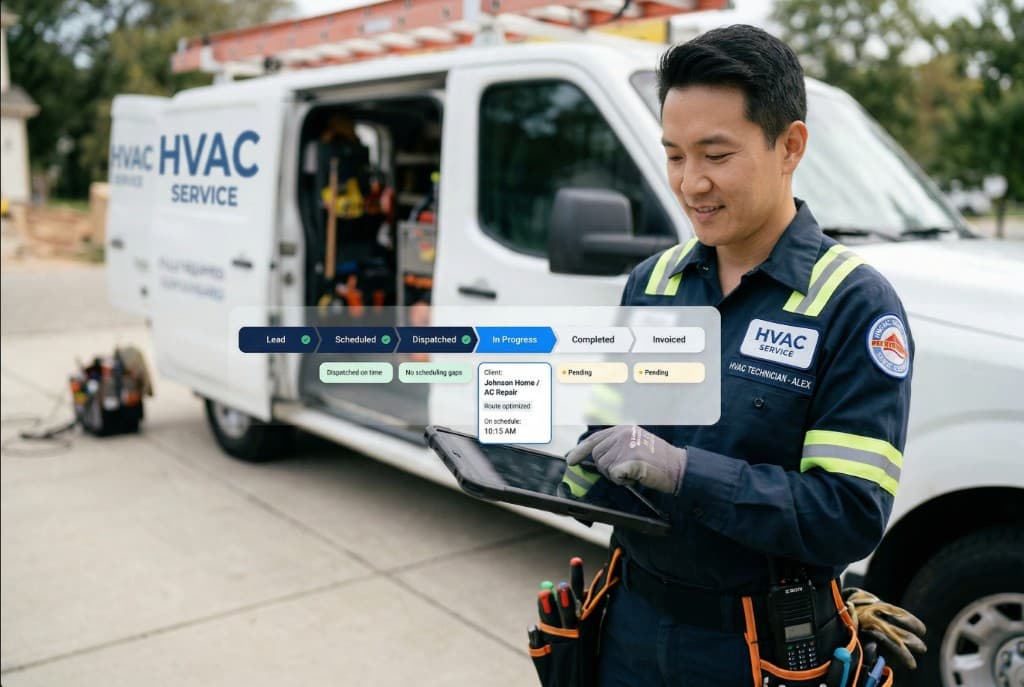
JobsDispatchInvoices
From trigger to close-out—handled
Fire directly from events
Estimates, jobs, and invoices trigger the next step the moment they change—without a reminder in someone’s inbox.

Connected by default
Leads, dispatch, billing, and communication sit on one record, so automations run on the same objects your team already uses.
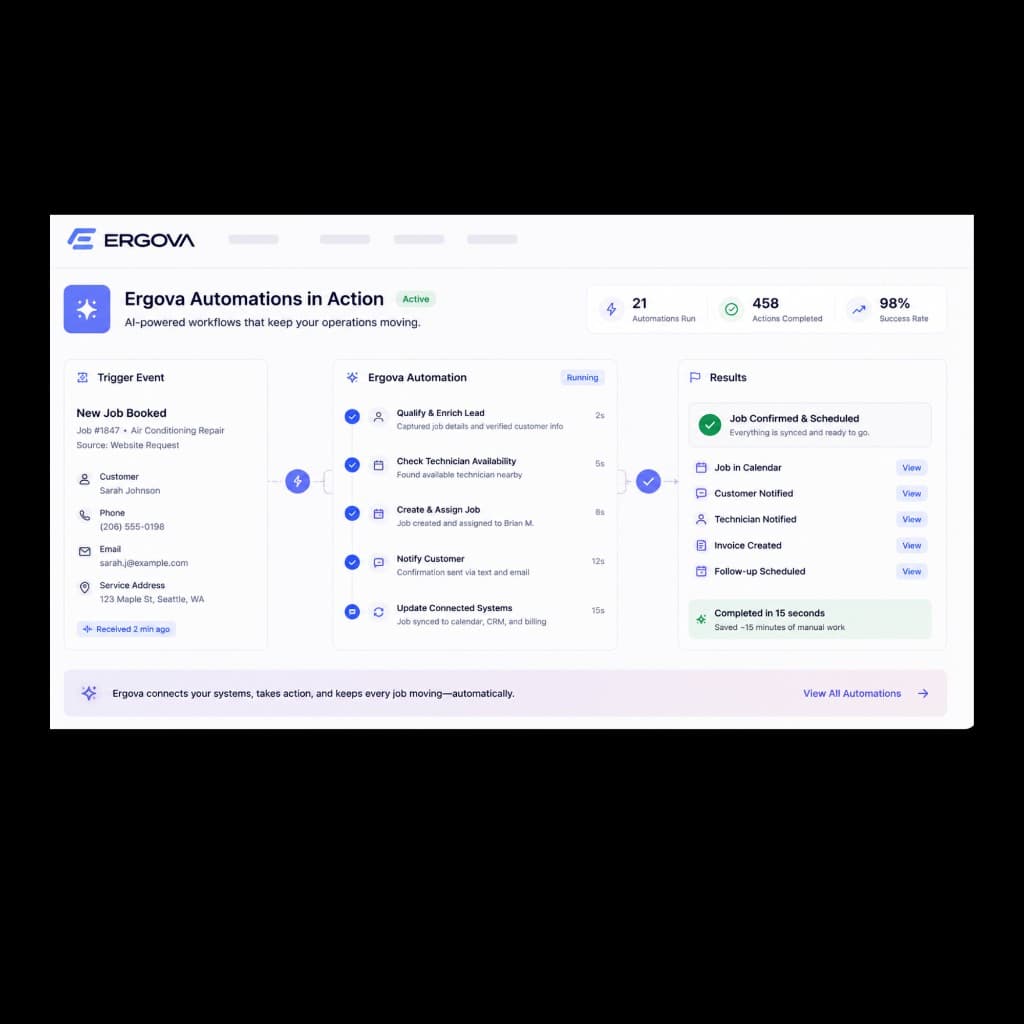
Keep jobs moving
Advance work through stages automatically—assign owners, notify dispatch, and recover stalled sequences.
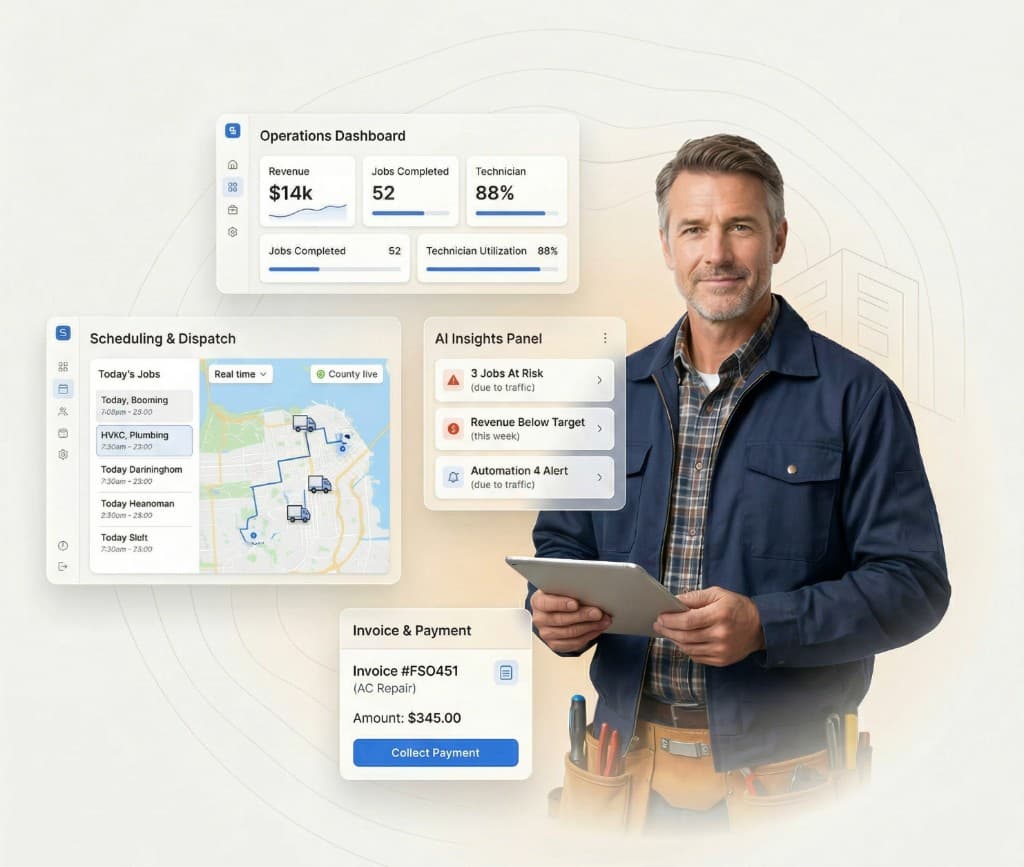
Your jobs. Your data.
Every run is logged with the trigger, conditions, and outcome—so ops can trust the process under load.
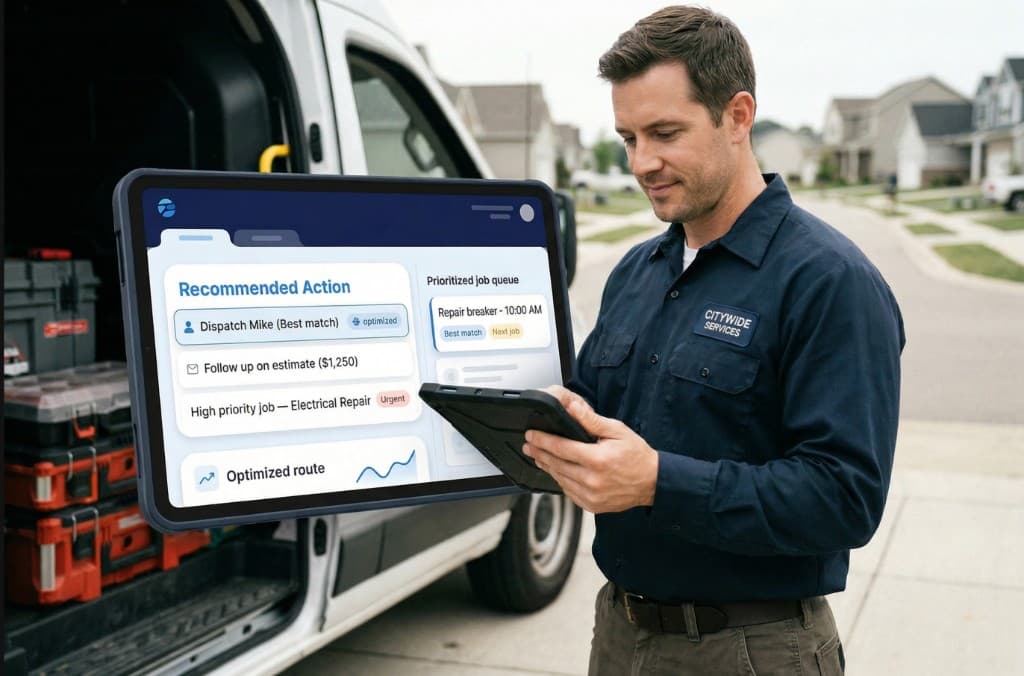
Turn insights into action
Surface repeatable steps that should graduate from manual to automated, then ship them with version history.
Workflow automation at work
Rules with triggers, conditions, and actions—plus an audit trail of what ran.
Automation rules
Triggers · conditions · actions
| Workflow | Trigger | Stage | Status |
|---|---|---|---|
| Estimate approved → job | Approval recorded | Sales → Ops | On |
| Invoice overdue reminder | Balance > 7d | Collections | On |
| Lead no follow-up 2h | SLA breach risk | Intake | On |
| Job completed → invoice | Status = complete | Field → Billing | Paused |
Recent runs
10:42 AM
Estimate EST-4412 approved → Job J-883 created · dispatch SMS
10:18 AM
Lead #7721 · 2h idle → task to J. Rivera
9:55 AM
INV-2812 overdue → reminder sent · AR flagged
All your automations in one place
Connect systems, fire from events, and keep jobs moving as one operating layer—not three tools stitched together.
Ready to run on rules?
See how Ergova helps your team automate repetitive work, speed up execution, and keep operations moving.