
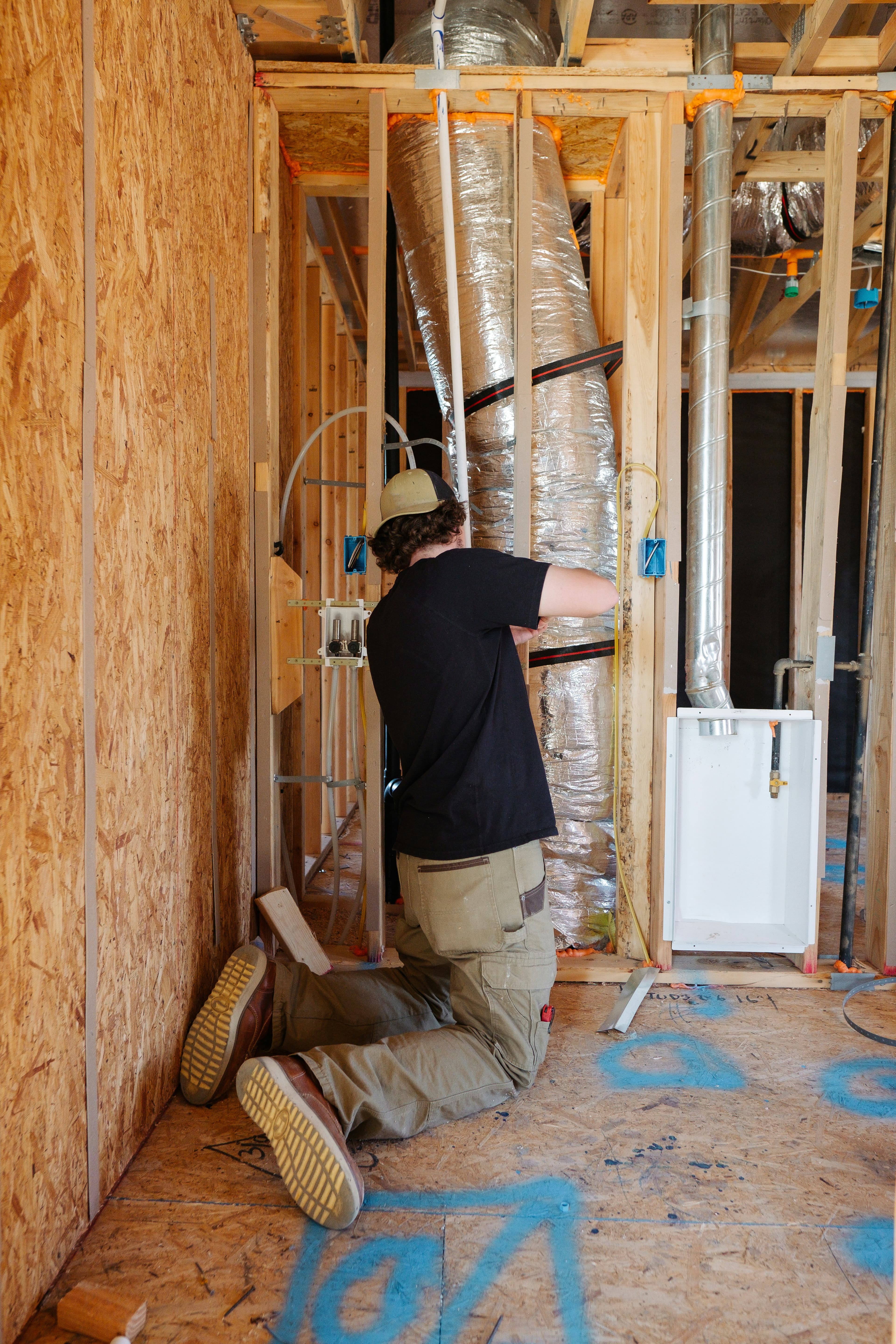

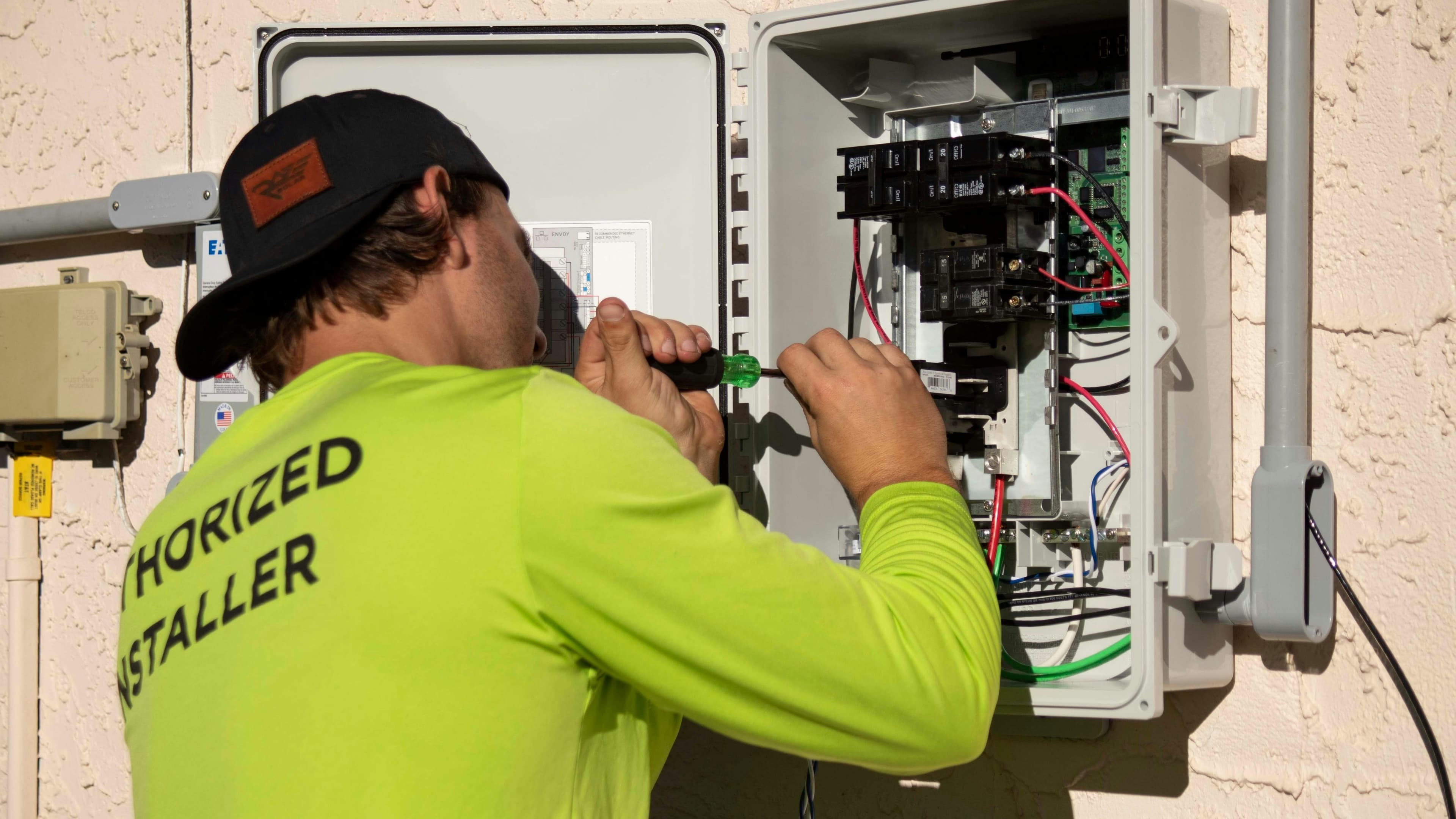

Get paid on the job
Estimates, invoices, and follow-up on the same record.
Ergova platform tour
Follow a job from the first lead to collected payment—scheduling, dispatch, field work, and invoicing on one connected canvas.
Start from how you already run—or pick a trade and see the same job record on a board built for that day.
Move jobs across the board when the day breaks. Office and truck stay on the same record.
Windows, skills, and travel sit in one calendar—not a whiteboard plus a chat thread.
Photos, notes, and checklists attach to the work so invoicing is not a reconstruction.
Priorities and suggested actions stay on the job—honest as the board changes.
Turn completed work into a payment link before the truck leaves the driveway.
Windows and status go out from the same job—no separate marketing stack required.
Roll up crews and cash without exporting to a sidecar spreadsheet.
Technicians see the packet on the phone. Dispatch sees the same truth in the office.
Estimates, invoices, and follow-up on the same record.
Intake through cash collected—no extra tools to log into.
Roles, audit, and customer data stay in the operating system.
Calls, forms, and messages land in one queue. AI extracts intent, creates the customer record, and sets priority before your team picks up.

Assign by skill, territory, and urgency. When plans change, office and field stay aligned without phone tag.
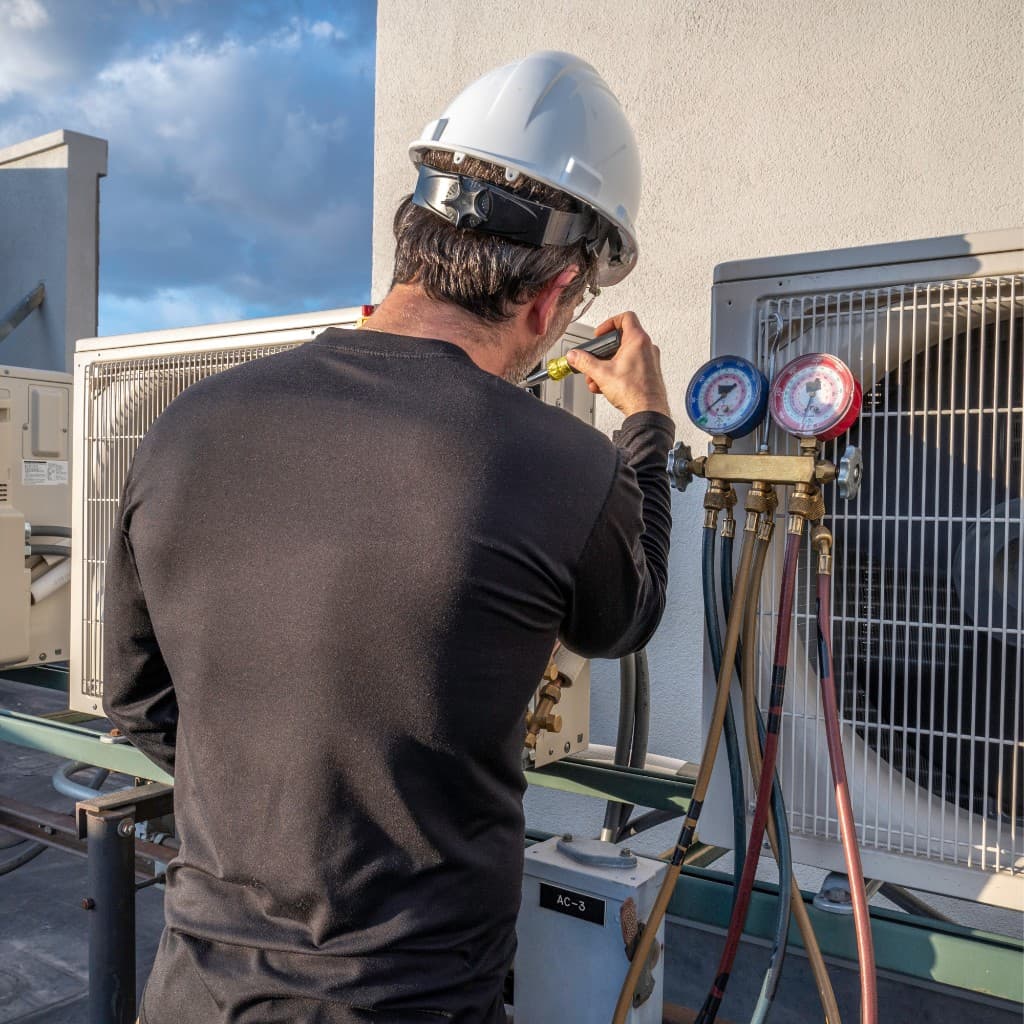
Technicians see the full job—notes, photos, checklists, parts, and signatures—without calling the office.
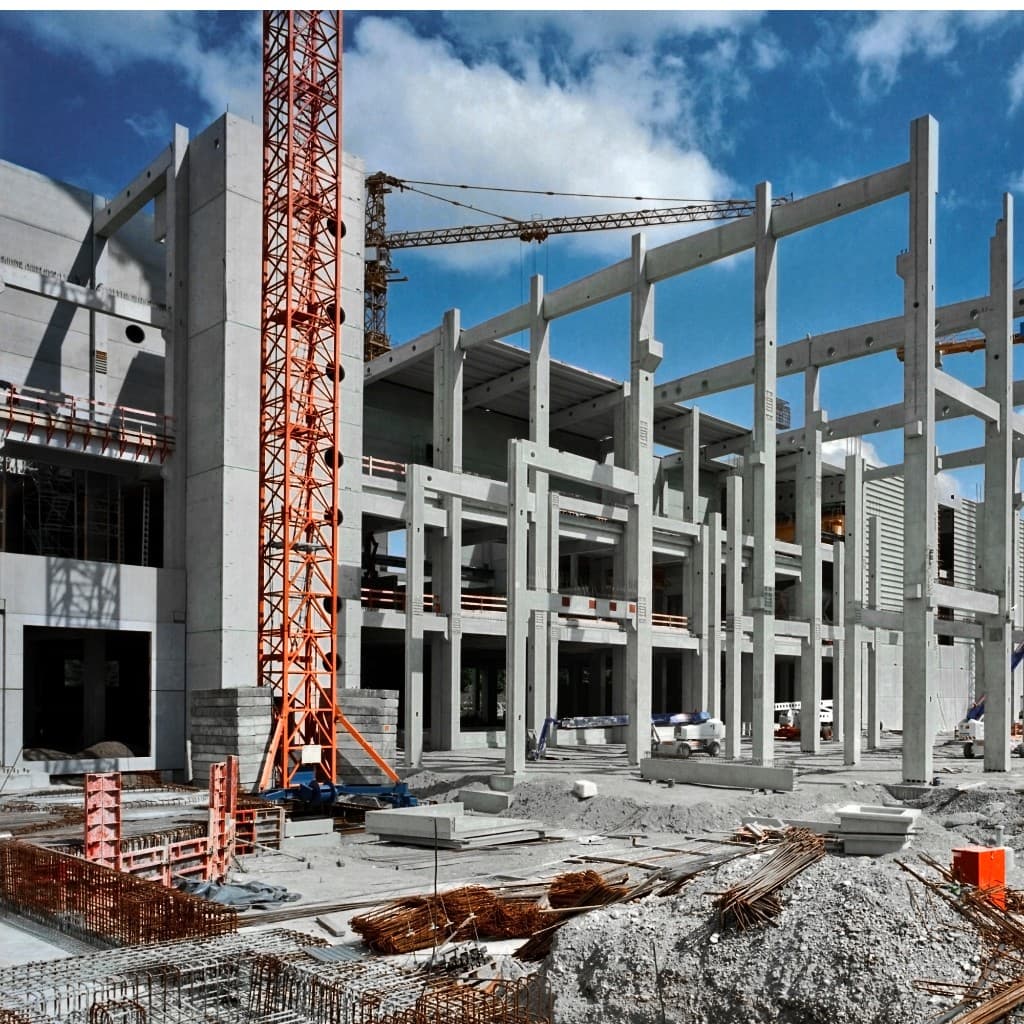
Turn completed work into invoices and payment links immediately. Fewer end-of-week billing marathons.

Prioritize the board, suggest next actions, and automate repetitive follow-ups—without replacing your team’s judgment.
Dashboards for revenue, utilization, and cash—so operators see what changed this week, not last quarter.

When the built-in flow is not enough, extend with products and integrations—without a second operating system.
Assign by skill, territory, and urgency.
One record from lead to paid.
Send links the moment work is done.
Field packets without calling the office.
Rank the board; keep judgment with the operator.
Accounting and payments you already use.
Revenue, utilization, and cash this week.
Self-serve windows and invoices.
Get started, then walk intake, dispatch, field work, and invoicing in a live session if you want a guided tour.